
Managing money effectively is one of the most important financial habits anyone can develop. With rising living costs and multiple expenses, keeping track of income and spending can feel overwhelming. Fortunately, budgeting apps have made personal finance management easier than ever.
Budgeting apps help you track expenses, set financial goals, monitor bills, and analyze spending habits automatically. Many of them connect directly to your bank accounts and categorize transactions in real time, eliminating the need for spreadsheets or manual tracking.
In this guide, we’ll explore the best budgeting apps for managing money in 2026, their features, pros and cons, and how to choose the right one.
Why Budgeting Apps Are Important
Budgeting apps simplify financial planning by giving users a clear overview of their income, expenses, and savings goals. Modern apps can automatically categorize transactions, generate reports, and provide insights into spending patterns.
Key benefits of budgeting apps
- Automatic tracking of expenses
- Real-time updates from bank accounts
- Goal-based savings planning
- Alerts for upcoming bills
- Spending analysis and financial insights
These tools help people develop better financial habits and make smarter money decisions.
Best Budgeting Apps for Managing Money
Below are some of the top budgeting apps used globally in 2026.
1. YNAB (You Need a Budget)
4
Best for: Serious budgeting and debt payoff
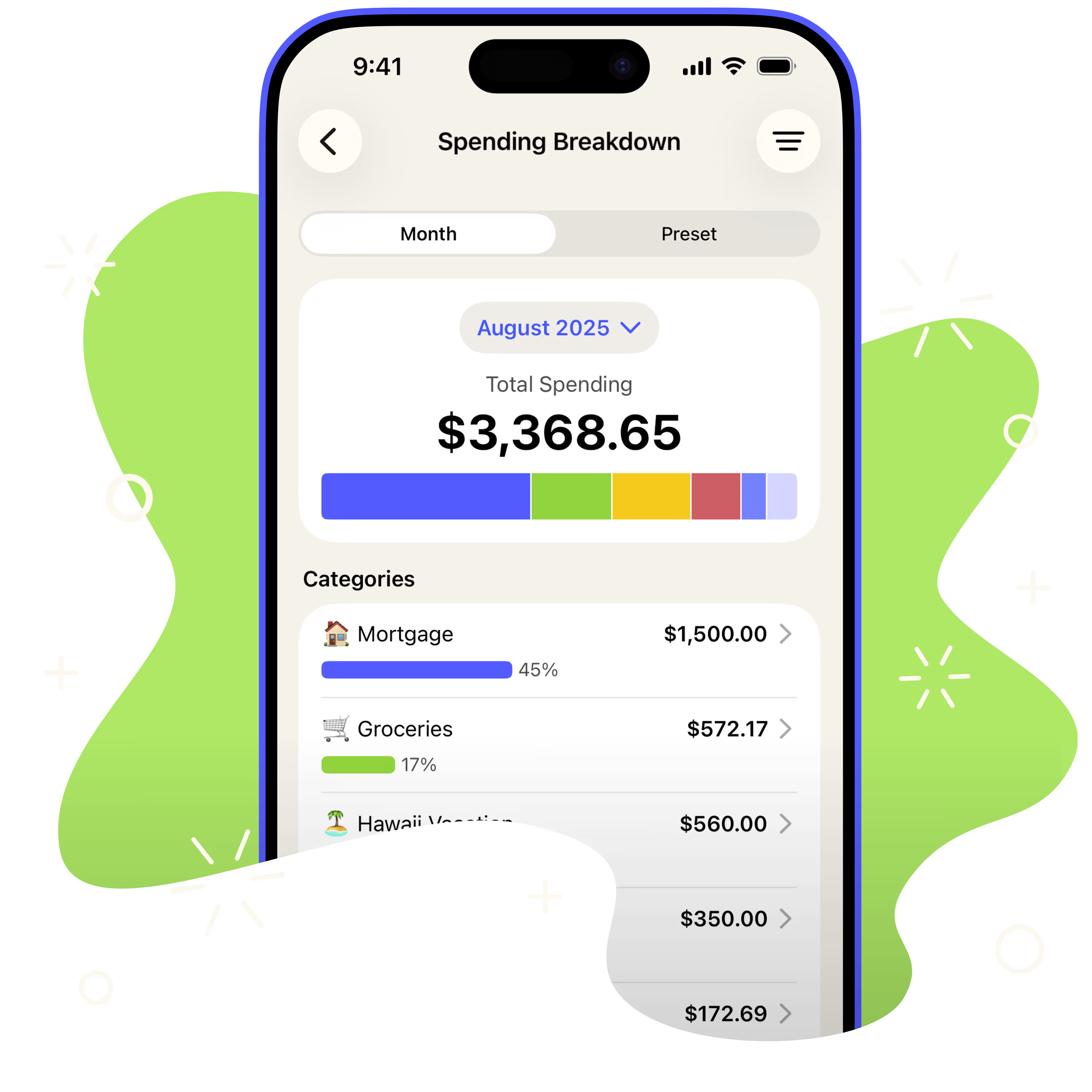
YNAB is one of the most popular budgeting apps in the world. It uses a zero-based budgeting method, meaning every dollar you earn is assigned a specific job such as bills, groceries, savings, or investments.
Key features
- Zero-based budgeting system
- Real-time expense tracking
- Financial goal planning
- Educational workshops and guides
Pros
- Excellent for building strong financial habits
- Highly structured budgeting system
- Strong community and learning resources
Cons
- Paid subscription
- Slight learning curve for beginners
2. PocketGuard
Best for: Preventing overspending
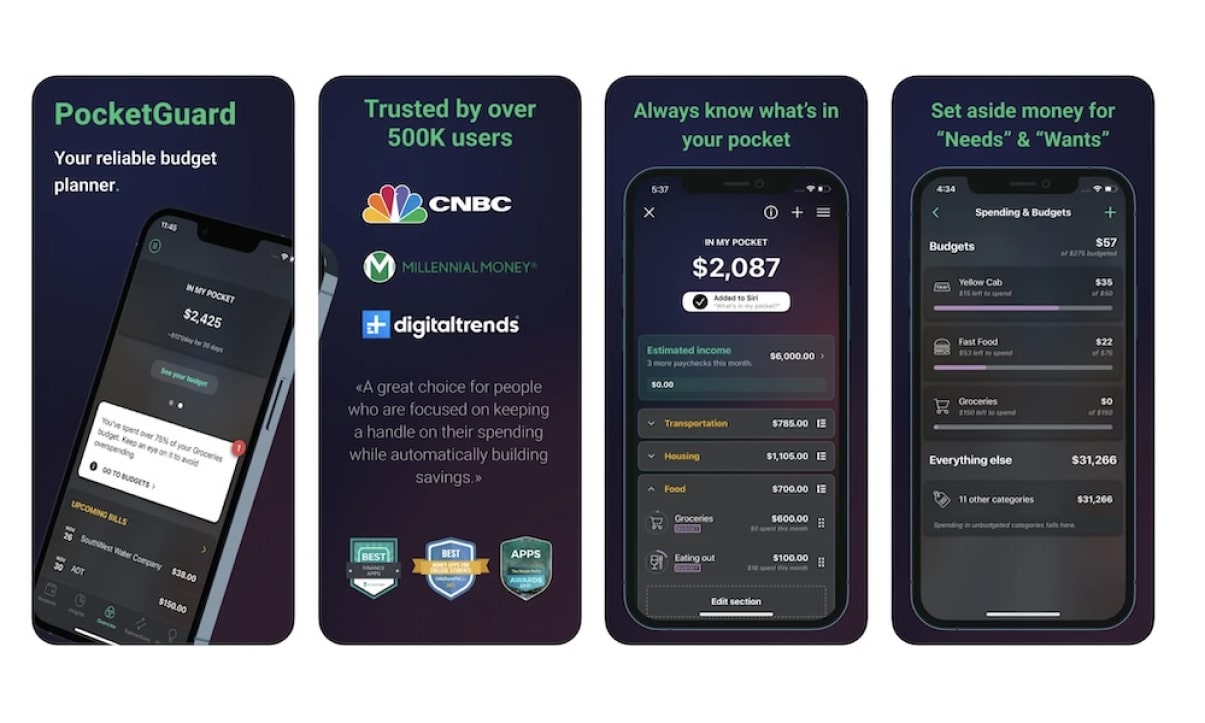
PocketGuard simplifies budgeting by showing how much money you have available to spend after accounting for bills and savings.
Key features
- Automatic expense categorization
- Bill tracking and alerts
- “In My Pocket” spending calculator
- Savings goal planning
Pros
- Very easy to use
- Helps control impulsive spending
- Free version available
Cons
- Limited features in the free plan
- Premium features require subscription
3. Monarch Money

4
Best for: Modern money management and couples
Monarch Money is a newer but powerful budgeting platform that combines budgeting, financial planning, and wealth tracking in one dashboard. It also allows users to share budgets with partners or financial advisors.
Key features
- Customizable budgets
- Shared budgeting for couples
- Net worth tracking
- Automated transaction monitoring
Pros
- Modern interface
- Collaborative budgeting tools
- Advanced customization
Cons
- No free version
- Subscription required
4. Goodbudget
Best for: Envelope budgeting method
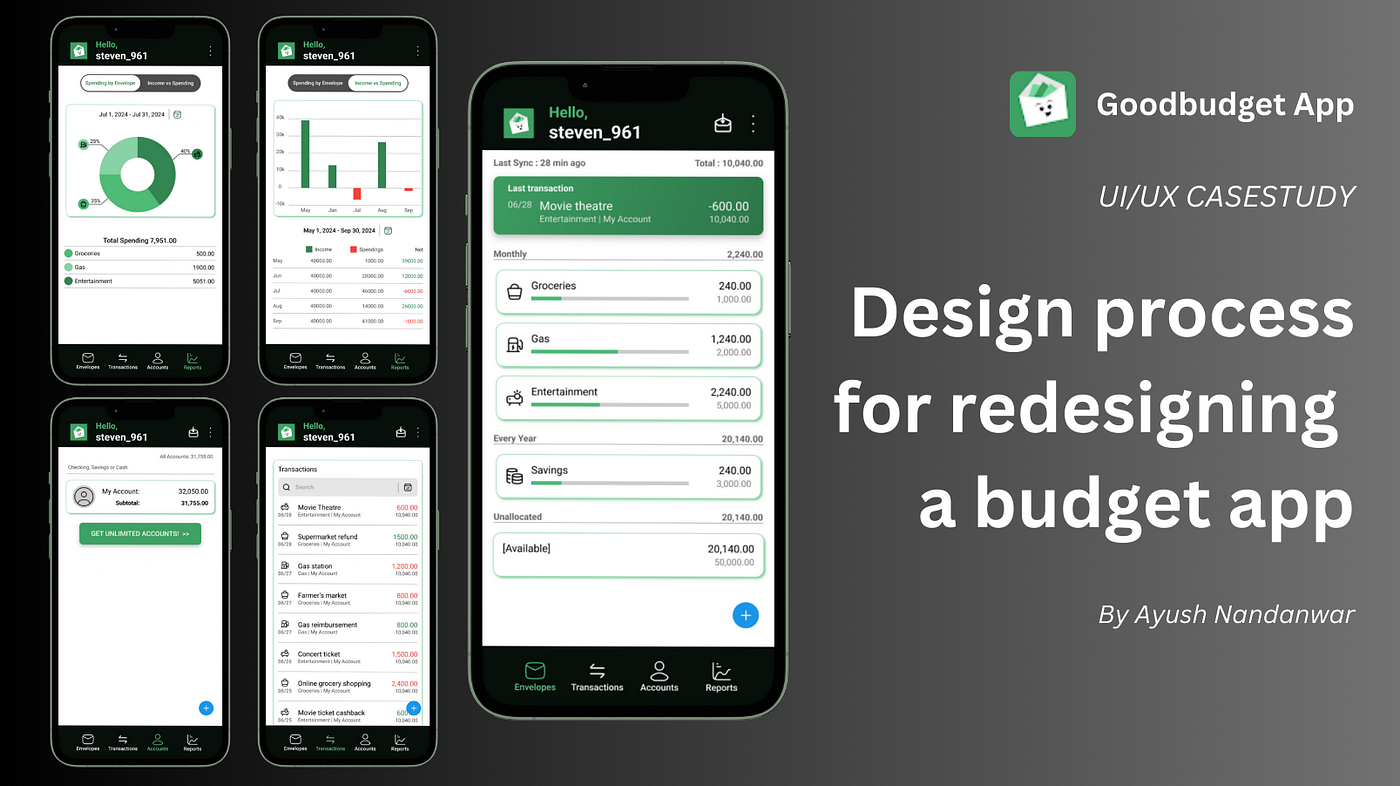
Goodbudget uses the digital envelope system, where you allocate money to categories such as groceries, rent, or entertainment. This method helps control spending by limiting how much you spend in each category.
Key features
- Virtual envelope budgeting system
- Sync across devices
- Expense tracking
- Debt tracking tools
Pros
- Simple budgeting method
- Great for families and couples
- Free version available
Cons
- Limited automation
- Requires manual transaction entry in some cases
5. EveryDollar
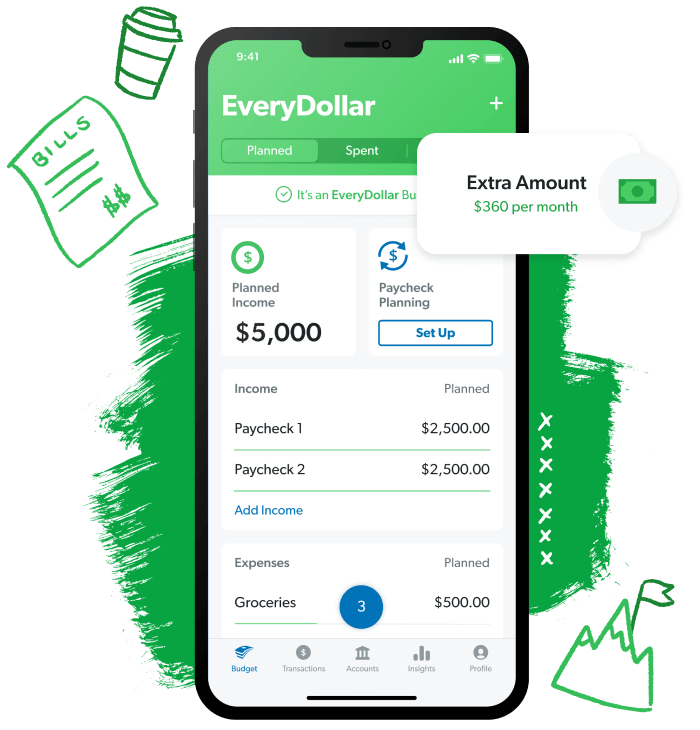
Best for: Beginners learning budgeting
EveryDollar is a budgeting app created by personal finance expert Dave Ramsey. It uses the zero-based budgeting method, ensuring every dollar of income is accounted for in your budget.
Key features
- Simple budgeting interface
- Custom budget categories
- Goal tracking
- Cross-device syncing
Pros
- Easy for beginners
- Clean and simple interface
- Good for debt reduction plans
Cons
- Bank syncing available only in paid plan
Features to Look for in a Budgeting App
Before choosing a budgeting app, consider these important features.
1. Automatic Expense Tracking
Apps that sync with your bank accounts automatically categorize spending and save time.
2. Goal Setting
Look for apps that allow you to create savings goals like emergency funds, vacations, or debt repayment.
3. Multi-Device Access
The best apps work across mobile, tablet, and desktop devices.
4. Security
Since budgeting apps connect to financial accounts, strong encryption and two-factor authentication are essential.
5. Customizable Budgets
The ability to create custom categories and reports helps personalize your budgeting system.
Free vs Paid Budgeting Apps
| Feature | Free Apps | Paid Apps |
|---|---|---|
| Expense tracking | ✔ | ✔ |
| Bank syncing | Limited | ✔ |
| Advanced reports | ❌ | ✔ |
| Financial insights | Basic | Advanced |
| Budget automation | Limited | ✔ |
Free apps are great for beginners, while paid apps often offer advanced analytics, automation, and deeper financial insights.
Tips for Using Budgeting Apps Effectively
Even the best budgeting app won’t work unless you use it consistently.
Best practices
- Check your budget weekly
- Set realistic spending limits
- Track every expense
- Create savings goals
- Review monthly financial reports
Consistency is key to building healthy financial habits.
Final Thoughts
Budgeting apps have transformed personal finance management by making it easier to track expenses, save money, and achieve financial goals. Whether you’re trying to pay off debt, save more money, or simply understand your spending habits, the right app can make a huge difference.
Top picks for 2026:
- Best overall: YNAB
- Best for overspending: PocketGuard
- Best modern dashboard: Monarch Money
- Best envelope budgeting: Goodbudget
- Best for beginners: EveryDollar
The best budgeting app ultimately depends on your financial goals, spending habits, and preferred budgeting style.